





Marques
 2N2N 7
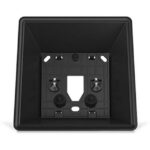
2N – 2N Indoor answering unit – 91378803
In stock
30.73€Use this box to install the 2N Indoor Compact and 2N Indoor View answering units on a wall. Its black finish and structure match well with the surface of the rear part of the answering units. Install the box on the wall, fit the answering unit into it and screw it in place.
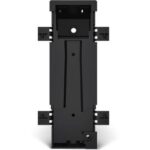
2N – 2N® Access Unit M flush installation box – 916121
In stock
38.62€Mounting accessory that provides a cavity for hiding and terminating the cables in the wall. Typically, the electrician will use this box when installing the 2N Access Unit M reader on a brick wall as they can easily cut a hole for the box.
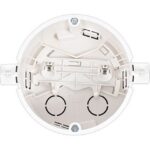
2N – 2N® Indoor answering unit flush installation box – 91378800
In stock
30.73€An installation box for 2N answering units, which enables you to gently rotate the unit in order to achieve a perfectly horizontal position after the answering unit is fitted. It requires a 103mm-wide and 50mm-deep round opening.
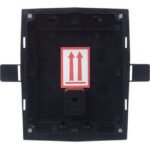
2N – 2N® IP Solo flush installation box (needed for flush mount installations) – 9155017
In stock
30.42€You’ll need a flush-mounting box to install the 2N® IP Solo intercom in a wall or plasterboard. It’s only suitable for flush-mounted intercom versions (9155301CF, 9155301CBF, 9155301F, 9155301BF).
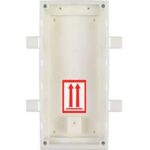
2N – 2N® IP Verso – Box for flush installation, 2 modules – 9155015
In stock
40.19€Box for installation in the wall, 2 modules. The box is not used for surface installation.
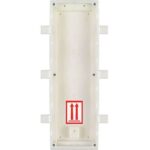
2N – 2N® IP Verso – Box for flush installation, 3 modules – 9155016
In stock
46.10€Box for installation in the wall, 3 modules. The box is not used for surface installation.
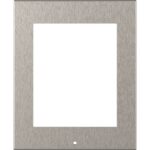
2N – 2N® IP Verso – Frame for surface installation, 1 module – 9155021
In stock
65.02€Frame for installation on the surface, 1 module. No other accessories are needed for surface installation of the intercom/access control reader. When installing on a glass or uneven surface, we recommend you use a backplate.
